ProductDigitalising forms
How it helps you
Digitalising forms
Turn paper processes into on-device forms—every capture lands on the asset, signed, dated, and ready for the next inspection or handover.

Part of one system
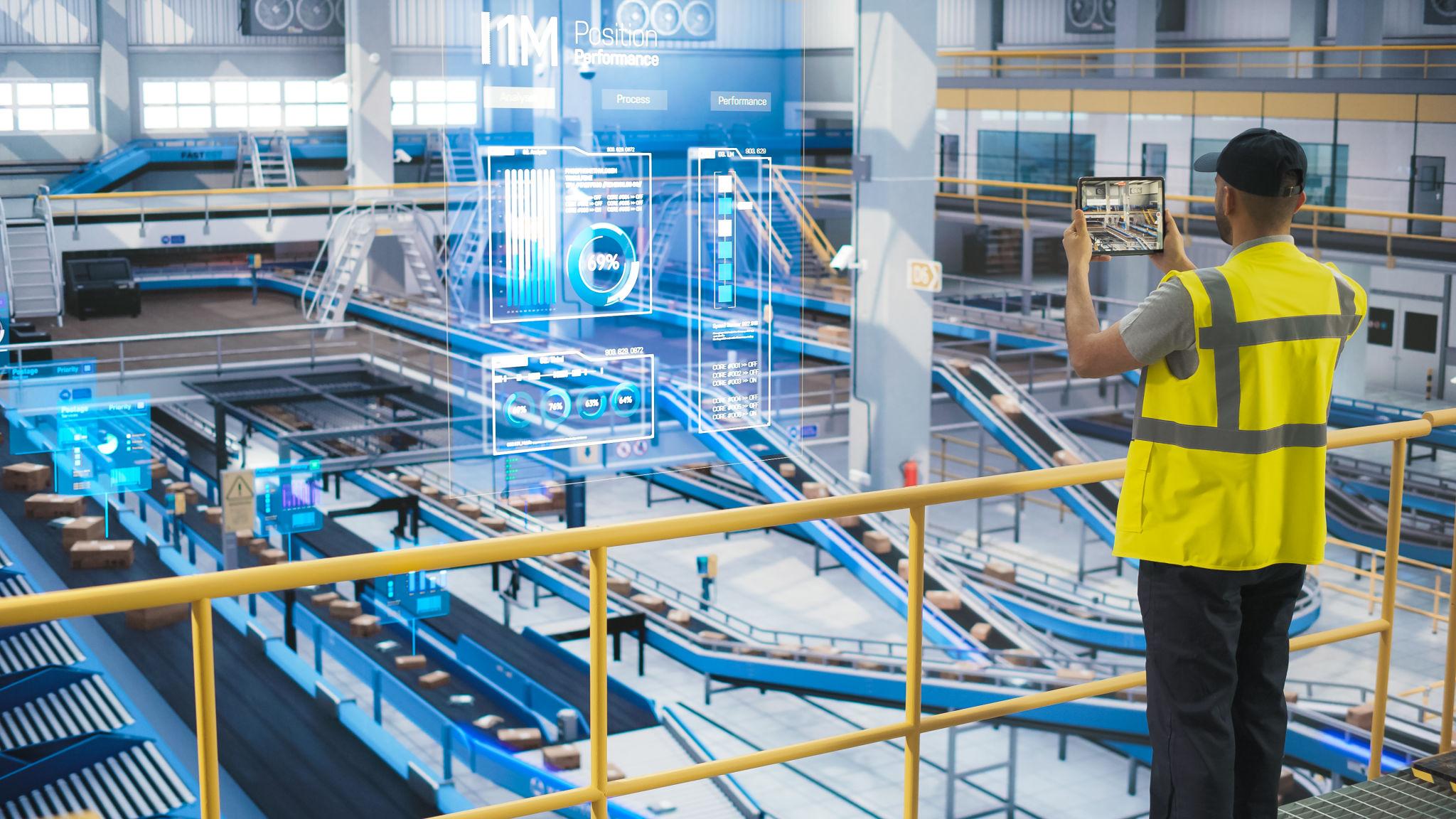
Inspection, handover, and sign-off on the device—and stored on the asset, not a lever arch
Signatures, photos, and PDFs where the next retest or handover will look first
A straight cut in print, post, and filing: real line items when you are at volume
New equipment or a new site reuses the template: you are not inventing a form from a blank
Less of the pre-audit week spent re-typing the same data into a second system
Ways you see the benefit
Practical effects once this is in your day-to-day work—less admin, fewer mistakes, and evidence that is already on the file when it matters.
- Benefit 1
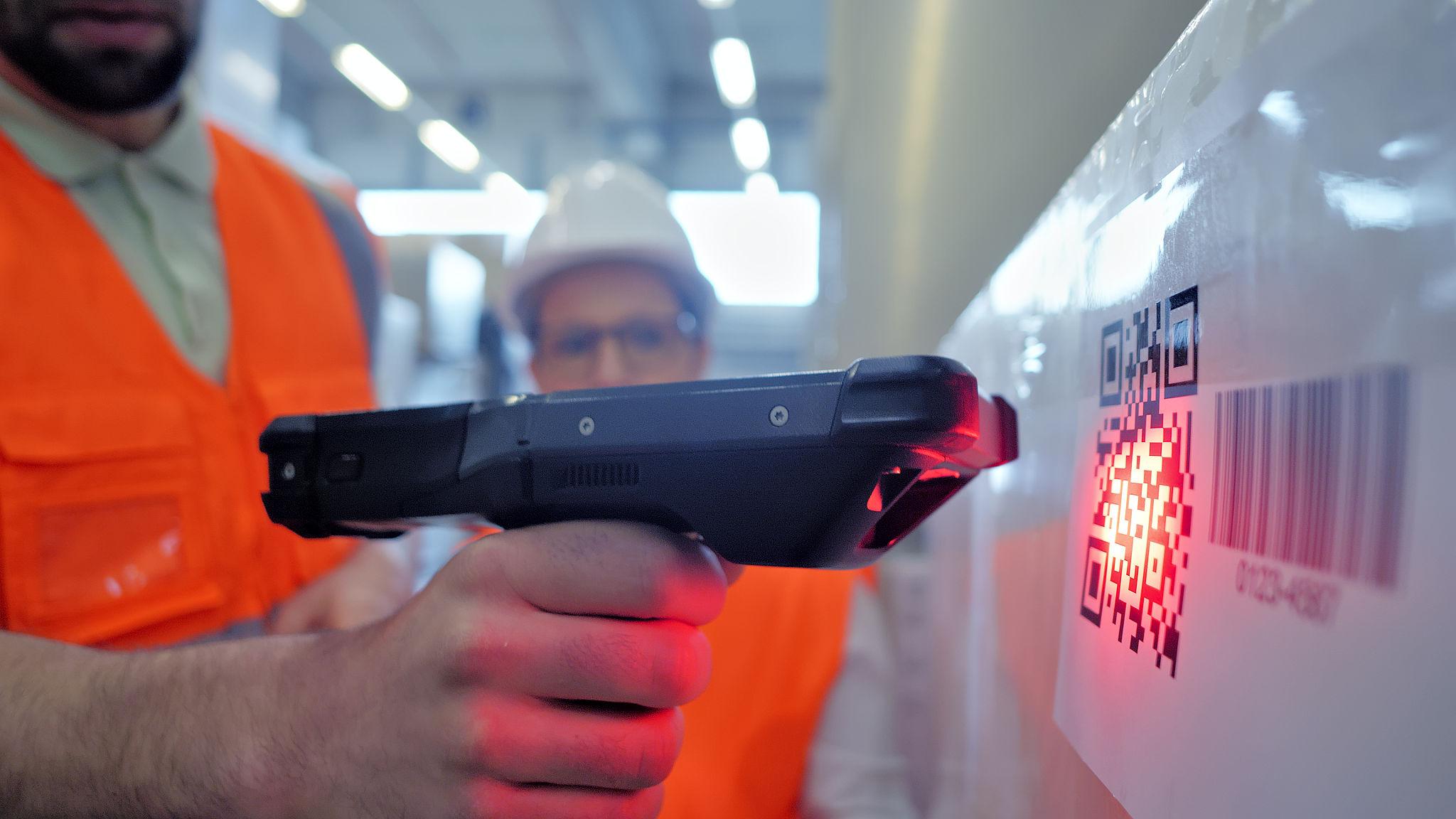
The forms you already use—inspection, handover, calibration, PAT, LOLER, or your own SOPs—run on a phone, with sign-off and media attached. You strip out print, post, and storage cost, and you stop the pre-audit week of scanning paper into a system you already had.
- Benefit 2
Each submission stays on the asset record, so the next test or handover does not start from zero. Digitalising forms means templates follow new lines of equipment or new sites with most of the structure reused, not reinvented for every project.
- Benefit 3
Time returned is specialist and supervisory time. People spend it on the job that earns money, not on re-keying the same data into a second or third system.
Next step
See the full product picture
All capabilities work together in one system—so you can start where the pain is biggest and grow without another integration project.