ProductQR & tags
How it helps you
QR & tags
Cut time lost finding assets and re-explaining what each tag means—one scan, one record, shared by field and head office.

Part of one system
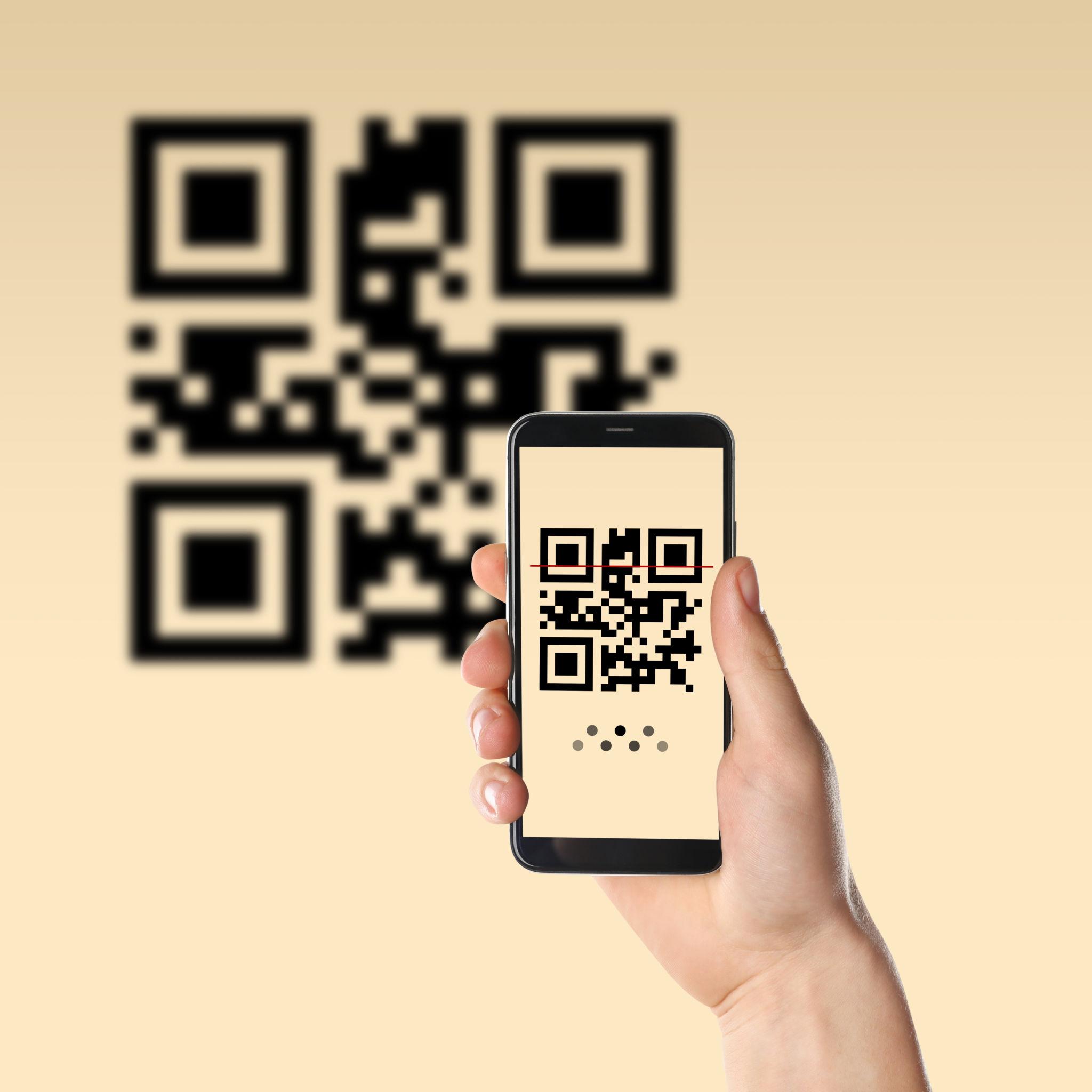
The tag is the front door: one scan, the same live record for crew, helpdesk, and client
Batch-printed codes in your look—rollouts are process, not a new print order every time
Photos, history, and documents on the item—not a folder with five names for the same asset
Everyone works your numbering: no re-briefing every new contractor on the scheme
Regulators and end customers: one hop from the physical item to the evidence you need
Ways you see the benefit
Practical effects once this is in your day-to-day work—less admin, fewer mistakes, and evidence that is already on the file when it matters.
- Benefit 1
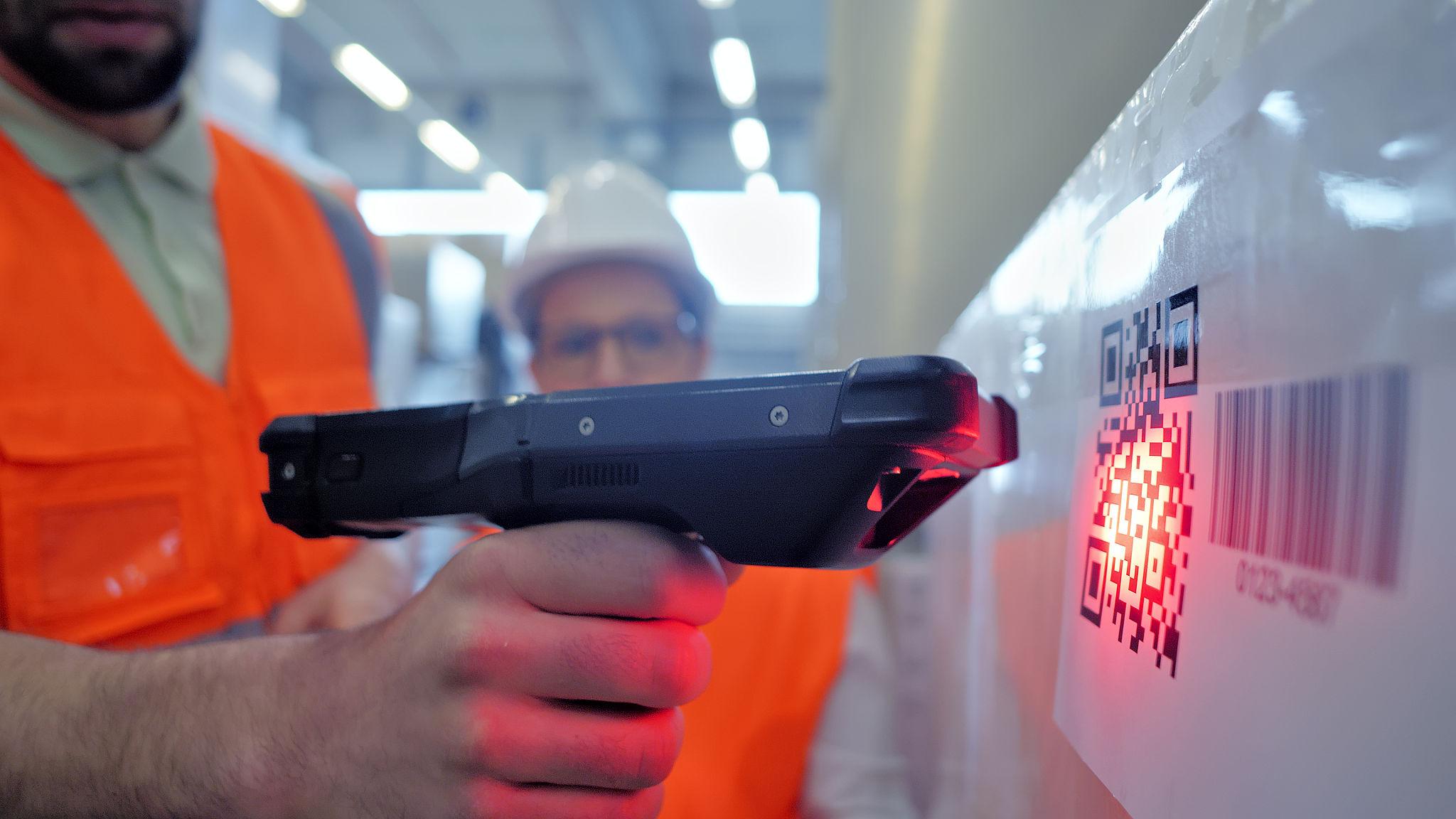
A QR (or your chosen label) is the one front door to a live record. The crew on site, the helpdesk, a hire desk, and your customer all hit the same truth: no more “which spreadsheet is this in?” and no re-briefing every new contractor on your numbering scheme.
- Benefit 2
Codes can be generated and batch-printed in volume so a rollout is about process, not a print budget every time you add a new site or a new client standard. The record keeps photos, history, and documents where they belong, so a scan replaces five minutes of navigation through folders and guesswork.
- Benefit 3
For regulators and end customers, the path from physical asset to evidence is one hop. You spend time on the work, not re-proving the same point for every visit.
Next step
See the full product picture
All capabilities work together in one system—so you can start where the pain is biggest and grow without another integration project.